
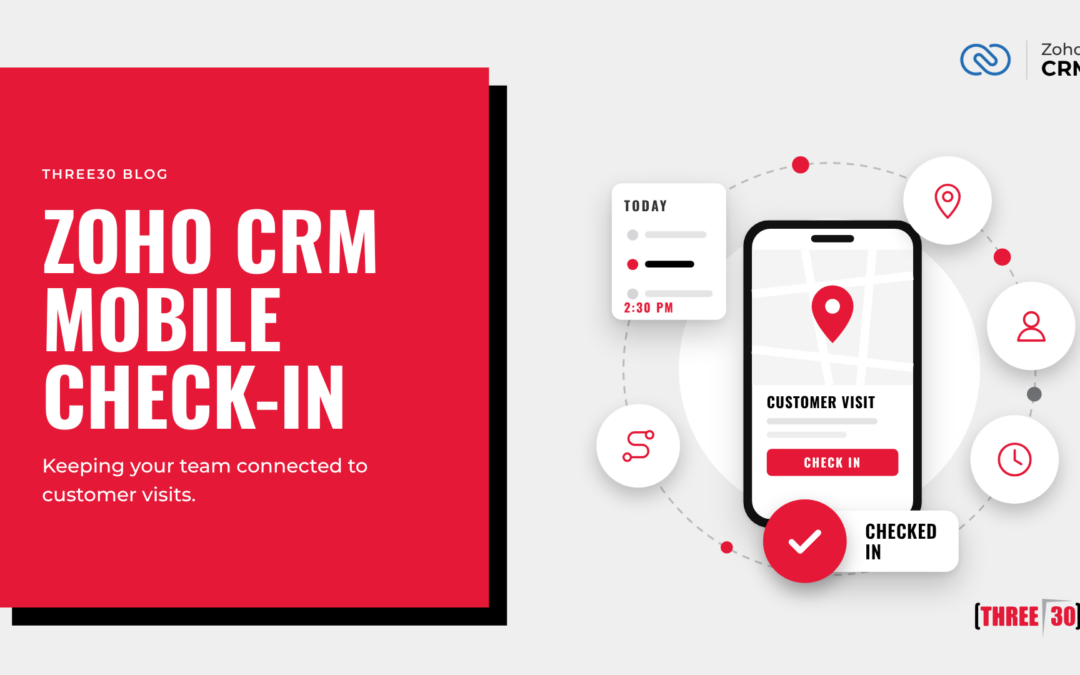
For businesses with field sales representatives, account managers, service technicians, or remote employees, understanding where customer interactions are taking place can be just as important as tracking the interactions themselves. That’s where the Check-In feature in the Zoho CRM mobile app becomes a valuable tool.
By letting users record and log visits directly from their mobile devices, Zoho CRM helps organizations improve visibility, accountability, and customer engagement while reducing manual reporting.
What Is the Check-In Feature?
The Check-In feature in the Zoho CRM mobile application allows users to record when they arrive at a customer location. Using the device’s GPS functionality, the app can associate a check-in with a specific account, contact, lead, or deal.
Rather than manually documenting visits at the end of the day, sales representatives can log their customer interactions in real time while they are on-site.
This creates a more accurate record of customer engagement and gives managers greater insight into field activities.
Benefits of Using Check-In
Improved Visibility into Field Activities
One of the biggest challenges for organizations with outside sales teams is understanding how frequently customers are being visited.
With Check-In, managers can easily review:
Customer visit history
Sales rep activity
Account engagement levels
Frequency of customer meetings
Geographic coverage
This visibility helps teams ensure important customers receive the attention they deserve.
More Accurate Activity Tracking
It’s common for salespeople to forget details when updating CRM records hours or days after a meeting.
Check-In allows activities to be recorded while the interaction is happening, providing:
Better data accuracy
Fewer missed updates
Clear visit timestamps
More complete customer records
The result is cleaner CRM data and improved reporting.
Enhanced Customer Relationship Management
Every customer interaction contributes to the overall relationship.
When visits are automatically logged within Zoho CRM, anyone reviewing the record can quickly see:
Recent visits
Previous discussions
Follow-up activities
Open opportunities
Customer history
This gives the entire team greater context when communicating with customers.
Better Territory Management
For organizations managing multiple territories or field representatives, Check-In data can help answer important questions:
Are territories being covered effectively?
Are customer visits being distributed appropriately?
Are high-value accounts receiving enough attention?
Are there opportunities to optimize travel schedules?
These insights can improve overall sales efficiency.
How Check-In Works
Using the Zoho CRM mobile app, a representative can:
Open the customer record.
Tap the Check-In option.
Allow GPS location access.
Confirm the visit.
Add notes, activities, or follow-up information.
The visit is then recorded within CRM, creating a timestamped activity associated with the customer record.
Depending on your CRM configuration, organizations can also incorporate workflows and automation based on check-in activities.
Industries That Benefit Most
Manufacturing
Outside sales representatives can document visits with distributors, suppliers, and customers while maintaining accurate records of account activity.
Professional Services
Consultants and account managers can track on-site meetings and maintain a history of client engagements.
Field Service
Technicians can record service visits and document completed work directly from the field.
Real Estate
Agents can check into property visits, client meetings, and showings without having to update records later.
Healthcare and Medical Sales
Representatives visiting provider offices can maintain documented visit histories for compliance and account management purposes.
Conclusion
The Zoho CRM Mobile Check-In feature is a simple but powerful tool for organizations with employees working in the field. By capturing customer visits in real time, businesses gain better visibility into customer interactions, improve data accuracy, and create opportunities for automation.
Whether you’re managing a sales team, service department, or account management organization, Check-In can help ensure customer visits are properly documented and transformed into actionable business insights.