
In today’s business environment, email remains one of the most important channels for customer communication. Whether you’re nurturing leads, responding to customer inquiries, or managing ongoing client relationships, a complete view of email conversations is essential to delivering an excellent customer experience.
By connecting your IMAP email account to your CRM, you can centralize communications, improve team collaboration, and ensure that important customer interactions are never lost in individual inboxes.
Why Email Integration Matters
Many organizations store customer information in the CRM while email conversations remain scattered across personal inboxes. This separation can create challenges such as:
Limited visibility into customer communications
Duplicate outreach efforts
Difficulty tracking conversation history
Delays when team members are unavailable
Incomplete customer records
Integrating email directly with your CRM eliminates these silos by bringing customer communications and relationship data into one place.
What Is IMAP Email Integration?
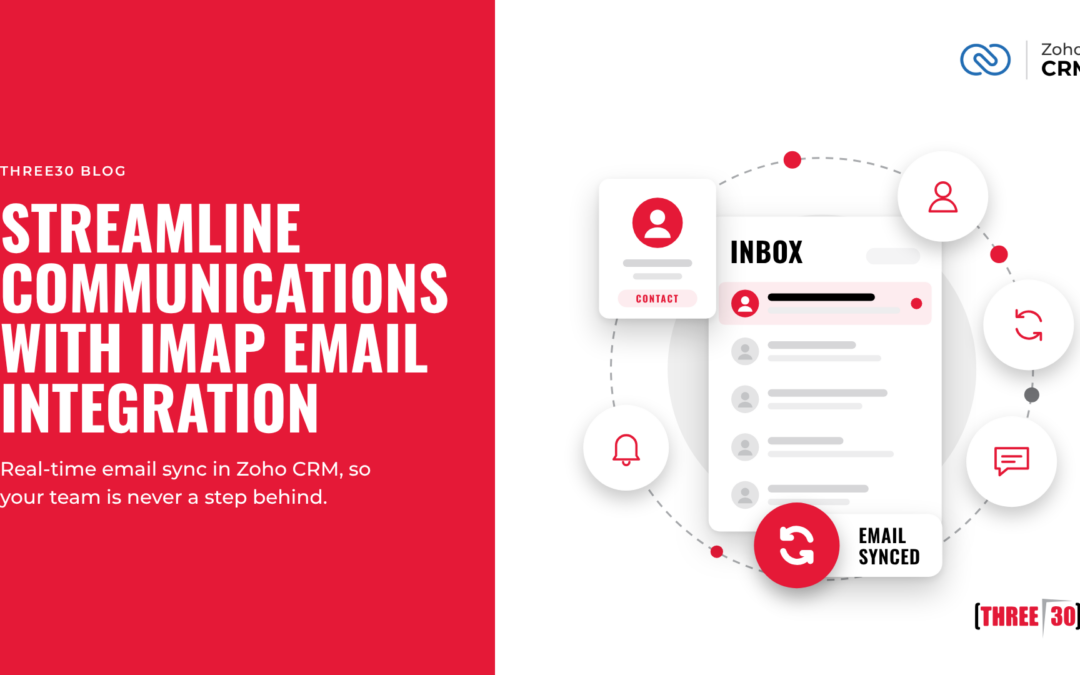
IMAP (Internet Message Access Protocol) is an email protocol that allows your CRM to connect with your email account and synchronize messages across devices and platforms.
Once connected, users can access email conversations directly within the CRM, making it easier to view communication history alongside customer records, opportunities, support cases, and other business activities.
This creates a more complete picture of every customer interaction.
Key Benefits of IMAP Email Integration
Centralized Customer Communications
When emails connect to the CRM, users can view relevant conversations without switching between systems.
This allows teams to:
Review previous customer discussions
Track communication history
Access important messages quickly
Maintain a complete customer timeline
Centralizing customer information improves productivity and decision-making.
Improved Collaboration
Customer relationships often involve multiple departments, including sales, support, customer success, and management.
With email integration, authorized team members can see customer interactions, helping keep everyone informed and aligned.
This reduces miscommunication and delivers a more consistent customer experience.
Better CRM Adoption
One of the biggest challenges organizations face is keeping CRM records up to date.
When email is integrated directly into the CRM, users naturally interact with customer records as part of their daily workflow. This often leads to:
More complete customer records
Better activity tracking
Increased user adoption
Improved reporting accuracy
Enhanced Customer Context
Before reaching out to a customer, employees can quickly review previous email interactions without searching through multiple folders or inboxes.
This context helps teams:
Personalize customer interactions
Respond more effectively
Understand account history
Resolve issues faster
Common Use Cases
Sales Teams
Sales representatives can track conversations with prospects and customers directly within the CRM, making it easier to manage opportunities and maintain accurate communication records.
Customer Success Teams
Customer success managers can view engagement history and understand recent communications when supporting clients.
Service and Support Organizations
Support teams can reference previous email exchanges to respond faster and more informedly to customer inquiries.
Leadership and Management
Managers gain greater visibility into customer engagement and team communication activity without relying solely on manual updates.
Best Practices for Email Integration
Connect Shared Business Accounts
Whenever possible, integrate business email accounts used for customer communication rather than relying solely on personal inboxes.
Establish Email Sharing Policies
Determine which communications should be visible to other team members and configure sharing settings accordingly.
Train Users on CRM Usage
Email integration works best when employees understand how to use communication history in their daily work.
Keep CRM Records Clean
Keep contacts, accounts, and leads up to date so emails link to the correct records.
The Business Impact
Organizations that integrate email with their CRM often experience improvements in:
Team collaboration
Customer visibility
Data accuracy
Sales efficiency
Customer service response times
User adoption rates
By reducing the gap between communications and customer data, businesses can build stronger relationships while improving operational efficiency.
Conclusion
IMAP Email Integration bridges the gap between your inbox and your CRM, creating a more connected, productive work environment. Instead of searching through emails or switching between multiple platforms, teams can access critical customer communications directly within the context of their CRM records.
As organizations continue to prioritize customer experience and operational efficiency, integrating email into the CRM is a simple yet impactful way to improve collaboration, increase visibility, and ensure every customer interaction contributes to a complete view of the relationship.